


|
|
|
|
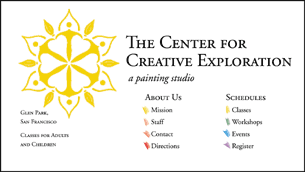 |
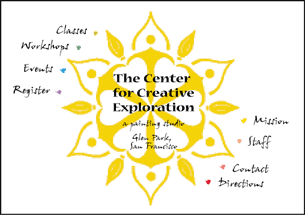
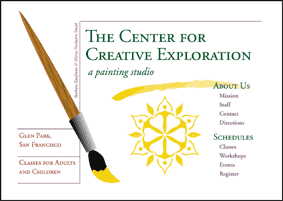
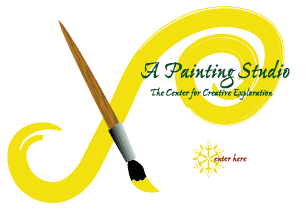
Using thumbnail sketches to guide you, create "mock-ups" in your program of choice (Illustrator, FreeHand, and Photoshop). Mock-ups show the layout and design, but have no HTML code, no working links, etc. Mock-ups are a way to hone in on the design without having to do all the production work involved in web design. After you settle on a design you do the production work necessary. Mock-ups created in Photoshop move into the production phase easily. |
|
| Understanding the elements’ relationships | ||
 |
||
| Looking for creative interaction of elements | ||
 |
||
| Nicely organized but flat! | ||
 |
||
| An inspiration! Simplicity and energy. | ||
 |
||
| Mockup Mockup 2 Mockup3 |
|
|
HOME / MiniCourse |